 Meeting Minutes
Multilingual Interface
Multiple Languages, Global Ready
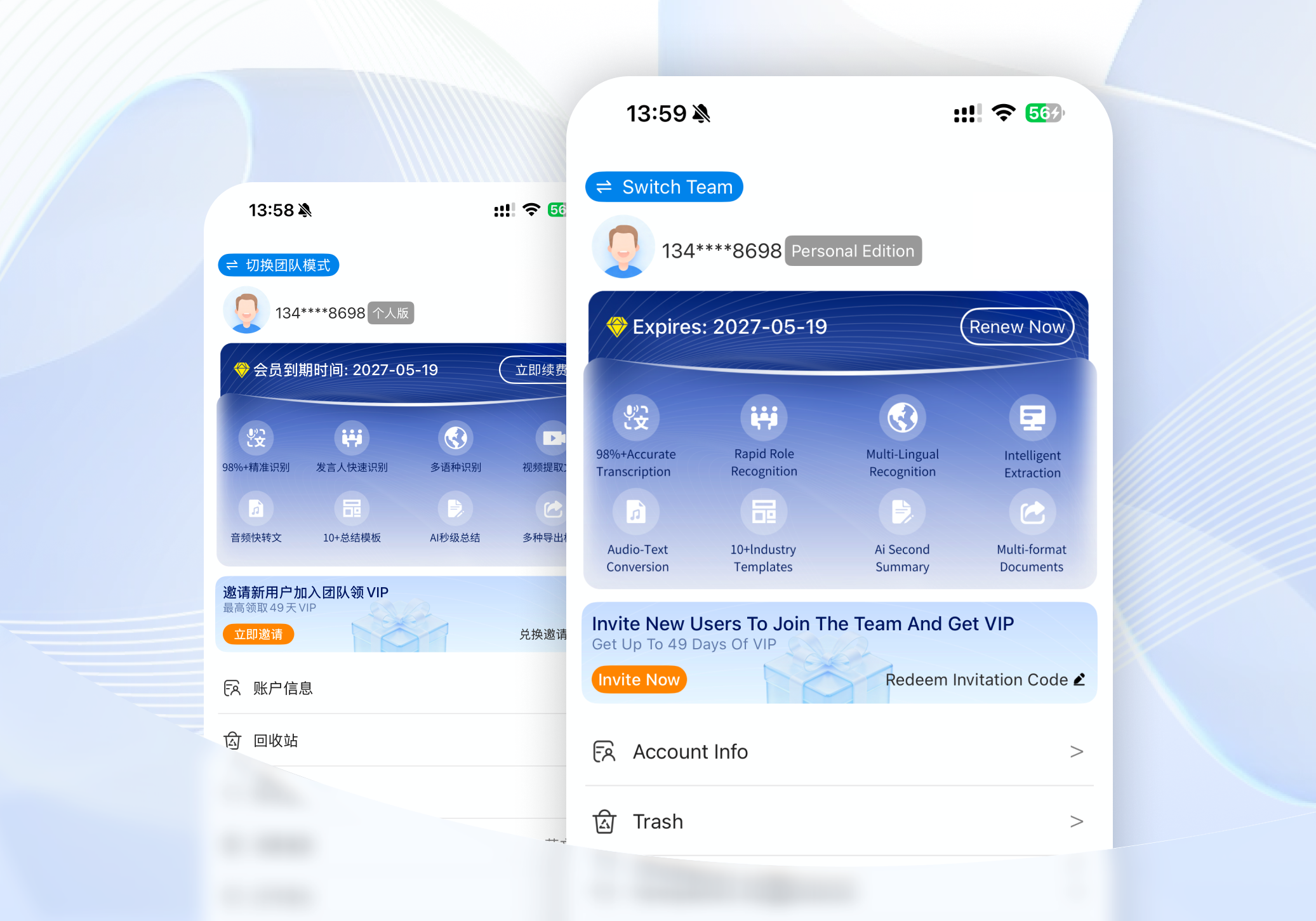
Your international colleagues can't navigate a Chinese-only app? No problem. The app supports multilingual interface switching, making it ideal for global teams, multinational corporations, and international professionals working across borders.
Frequently Asked Questions
What languages does the app interface support?
The app supports quick switching across multiple languages, including Chinese, English, and more — covering the entire interface.
Who is this feature designed for?
It's perfect for international professionals, overseas students, employees of multinational companies, and anyone working in cross-border or global office environments.
Does switching languages affect my data?
Not at all. Switching the interface language has no impact on your recordings, transcripts, or any other data — everything stays exactly as it is.
Where do I switch the language?
Simply go to Settings > Language Settings in the app and switch with one tap — quick and easy.