 Meeting Minutes
Recording Key-Marking
Mark Anytime, Find Instantly
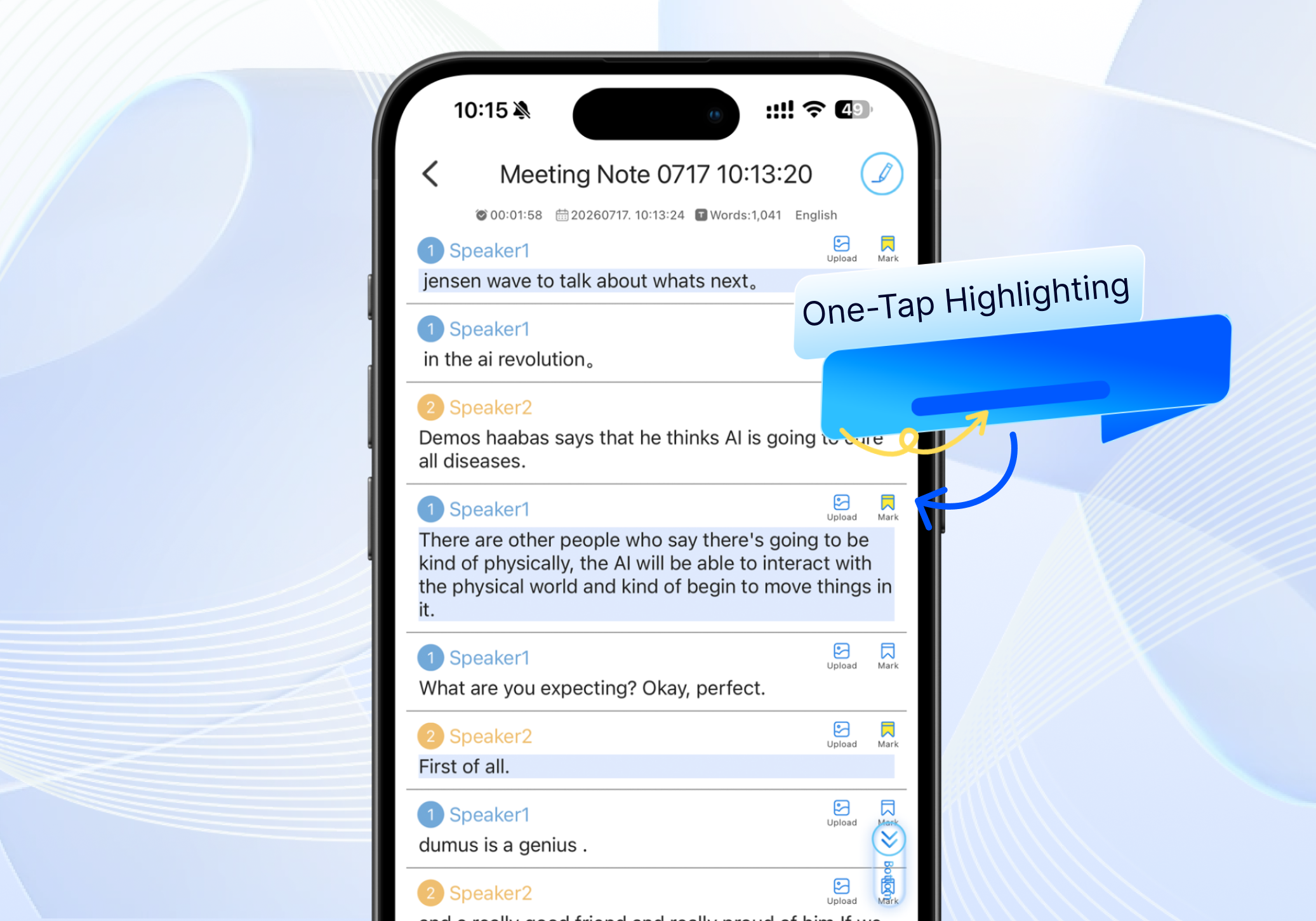
Always losing track of key moments in your meeting recordings? With our key-marking feature, you can flag important points on the fly while recording. Later, just enter a keyword to jump straight to the corresponding audio segment — no more dragging through the timeline.
Frequently Asked Questions
How do I mark key content during recording?
Simply tap the mark button at any point while recording to flag a key moment — no need to manually jot down timestamps.
How do I quickly find my marked points afterward?
Enter a keyword to instantly navigate to the relevant segment, or browse through your full list of marks and tap to jump directly.
Is there a limit to how many marks I can add per recording?
No limit. You can mark as many key points as you need throughout the session.
Can I export just the marked content?
Yes. You can export all marked highlights as a separate file, making it easy to compile the most important takeaways from your meeting.