 Meeting Minutes
Photo-Assisted Recording
Photos Synced to Your Audio
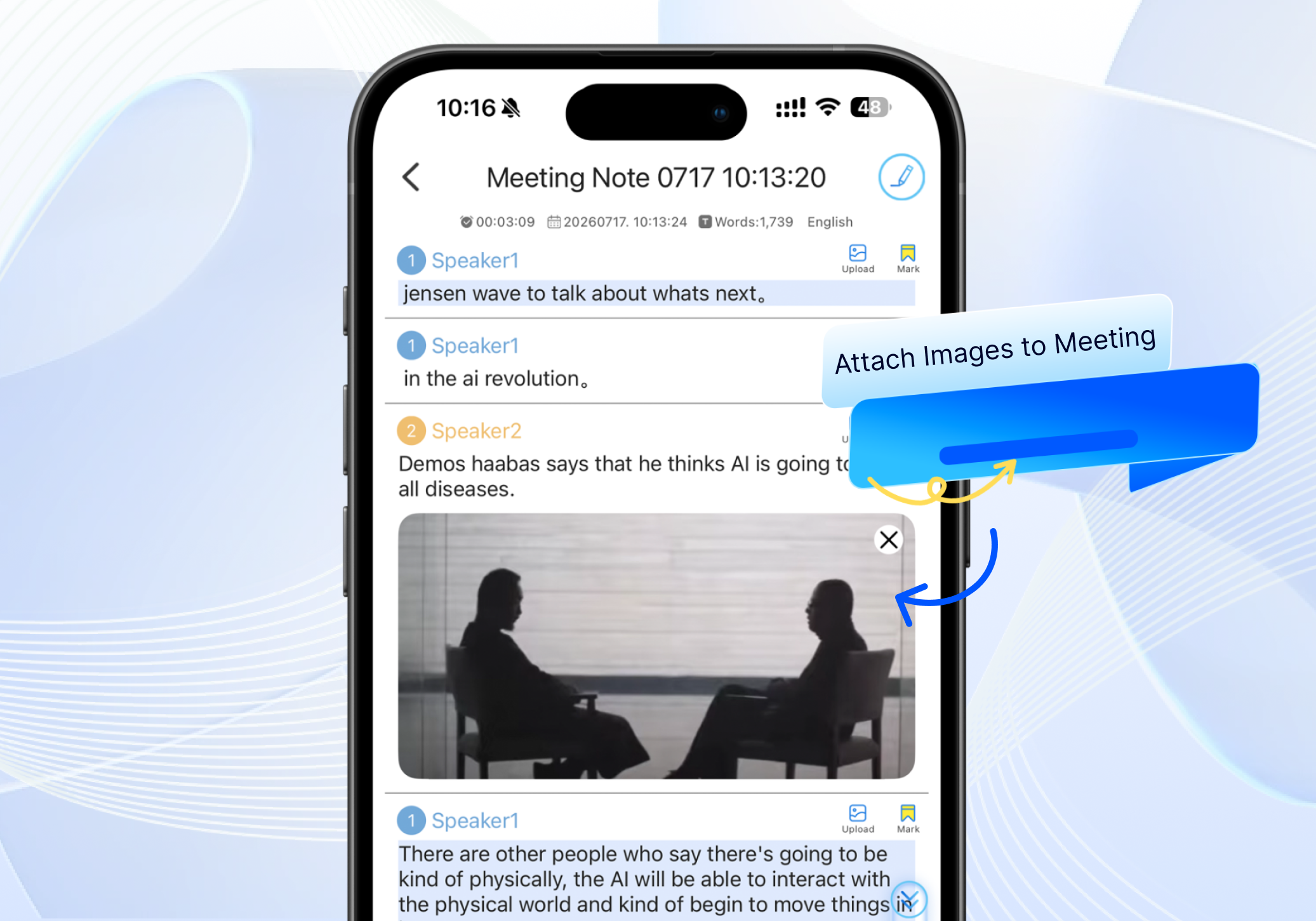
Trying to connect whiteboard notes, PPT slides, or handwritten jottings back to your recording? With photo-assisted recording, you can snap pictures on the fly — and each photo is automatically linked to the exact moment in the audio, so you can review everything together with ease.
Frequently Asked Questions
How are photos linked to the recording?
Snap a photo with one tap during recording, and it's instantly tied to the corresponding audio timestamp. Tap the photo later to jump right to that spot in the recording.
What scenarios is this best for?
Perfect for whiteboard content, handwritten notes, PPT slides, and on-site reference materials — filling the gaps that audio alone can't capture.
How much audio does one photo correspond to?
Each photo is bound to the exact moment it was taken. Tap it to jump to that specific timestamp and continue playback from there.
How many photos can I take?
No limit. Snap as many as you need throughout the meeting to supplement your recording.