 Meeting Minutes
Rapid Speaker Identification
Know Exactly Who Said What
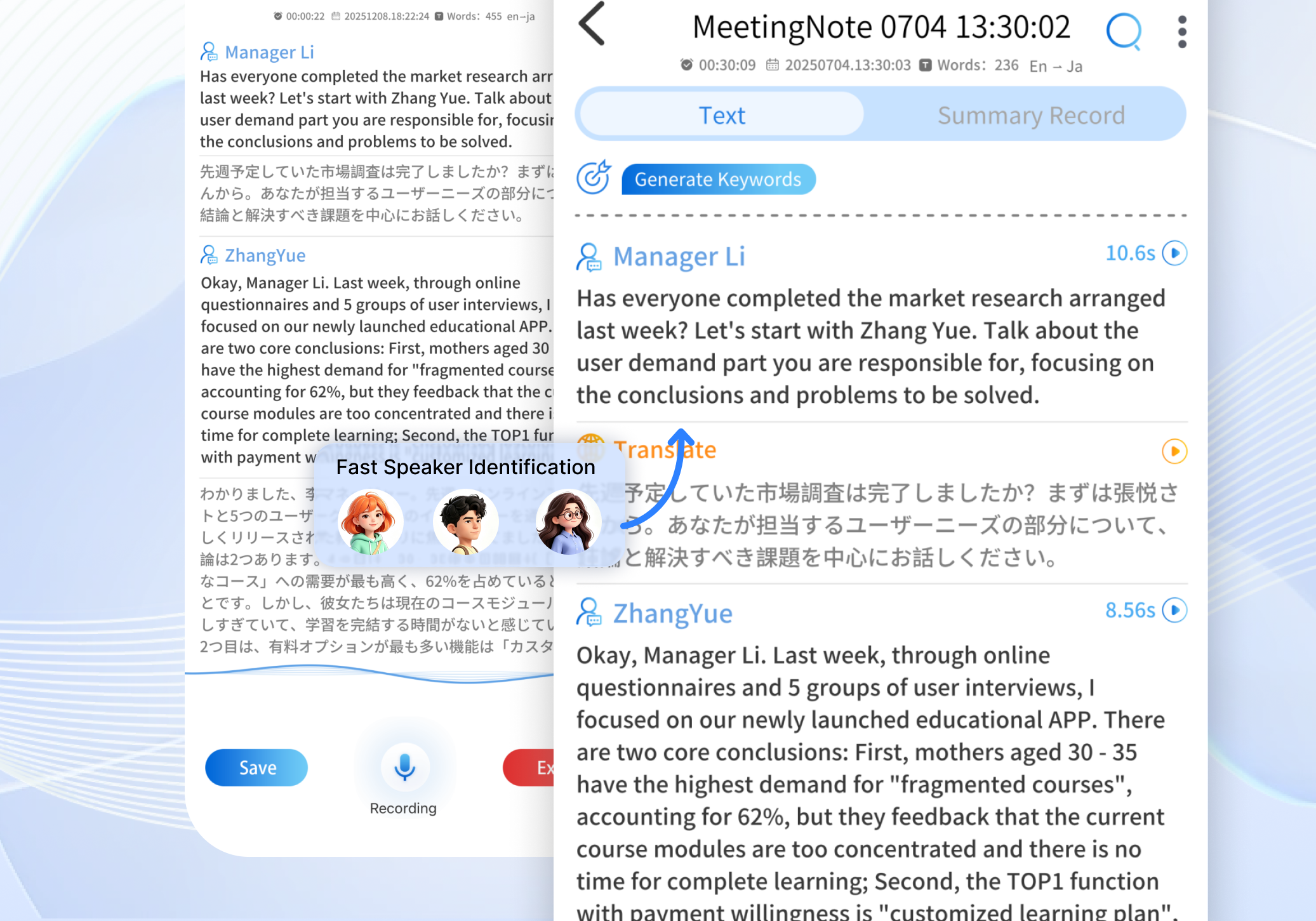
In meetings with multiple people, ever lose track of who said what? Our AI automatically distinguishes between different speakers' voices and labels each person's contributions accordingly — so you get a clear, organized meeting record without any manual sorting.
Frequently Asked Questions
How many speakers can it identify in a single meeting?
It can accurately identify multiple distinct speakers in one session, fully supporting multi-person meeting scenarios.
Do I need to pre-enroll voiceprints for identification?
No. The AI intelligently differentiates voiceprint characteristics and auto-labels speakers by number — no pre-enrollment required.
How accurate is the identification? Will it get confused?
Recognition accuracy is very high for speakers with distinctly different voice tones. For speakers with similar voices, we recommend supplementing with manual labeling adjustments.
Can I rename the speakers?
Yes. You can customize speaker labels — for example, "Mr. Zhang" or "Manager Li" — to make post-meeting organization easier.