 Meeting Minutes
Automatic Cross-Device Data Sync
Backed Up, Synced Anywhere
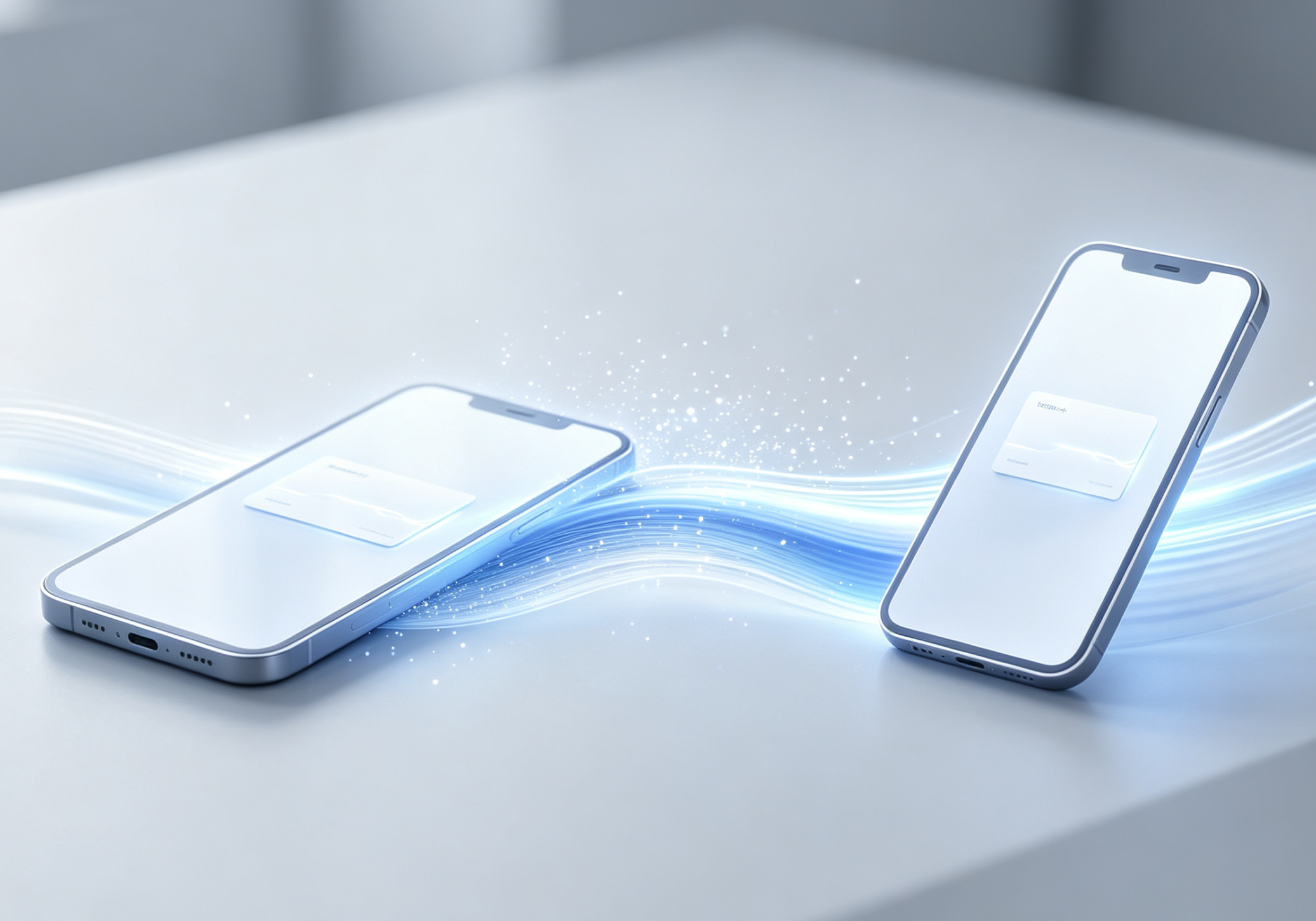
Switched phones and worried about losing your old meeting records? All your recordings, transcripts, and meeting notes are automatically backed up to the cloud. Just log in on your new device and all your historical data syncs right over — plus, you can still access saved content even without an internet connection.
Frequently Asked Questions
Will I lose my data if I switch phones?
Not at all. Your transcripts, audio files, and meeting notes are all automatically backed up to the cloud. Log in on your new phone and 100% of your historical data syncs instantly — seamless device switching.
Can I access my history without internet?
Yes. All archived content is available offline, so you can pull up important information anytime, network or not.
How much cloud storage do I get?
Cloud storage capacity varies by membership tier, with enough space to meet your everyday meeting recording storage needs.
Is syncing fast?
Sync happens within seconds over WiFi. On mobile networks, speeds vary depending on file size and connection strength.