 Meeting Minutes
Meeting Minutes Multi-Format Import
Import from local files or cloud storage. Supports a wide range of formats. Batch process files in one go — flexible and efficient file management.
How to use
1
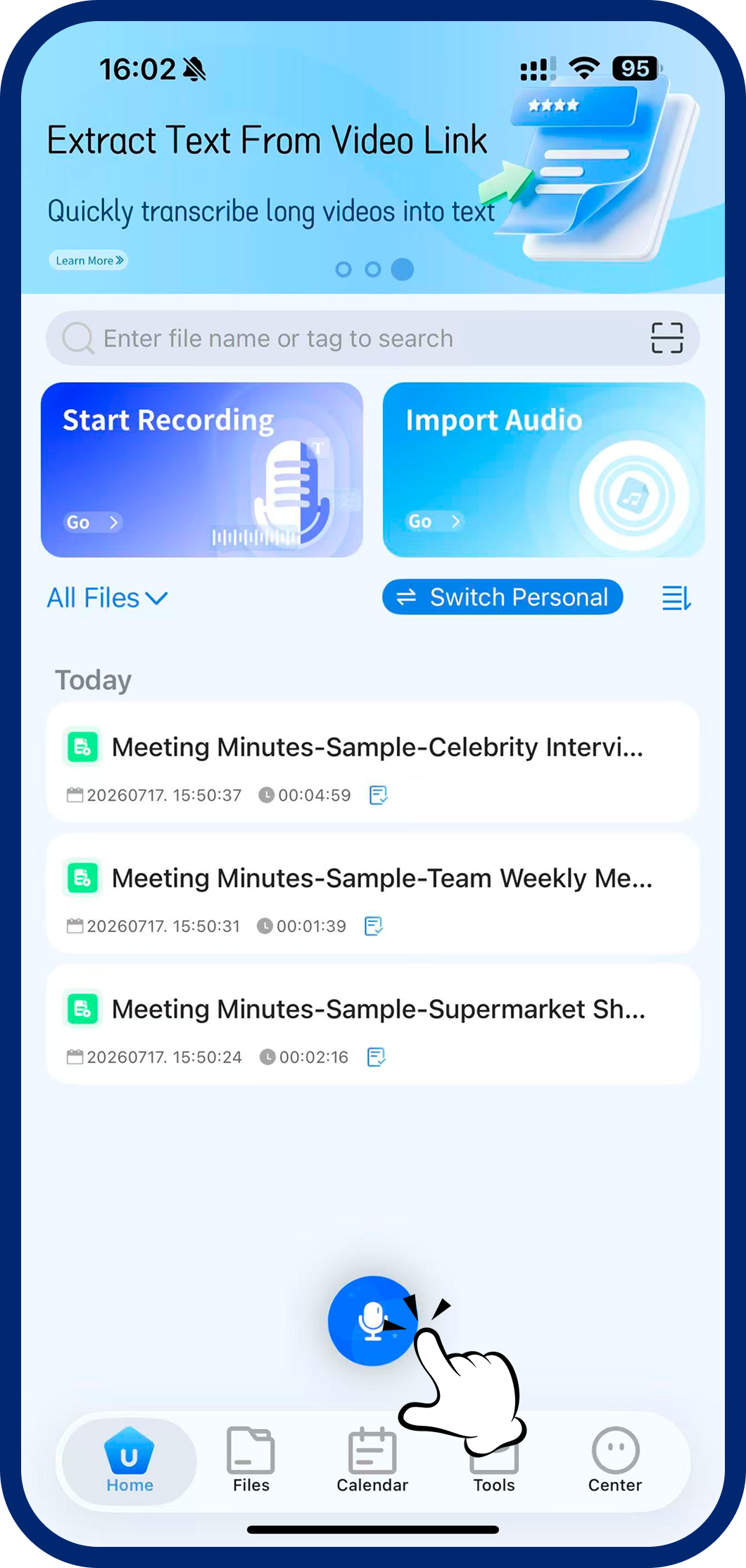
Step 1: Open Import Tool
Tap "Import Audio/Video" on the home screen or in the Toolbox.
2
Step 2: Open Import Tool
Tap "Import Audio/Video" on the home screen or in the Toolbox.
3
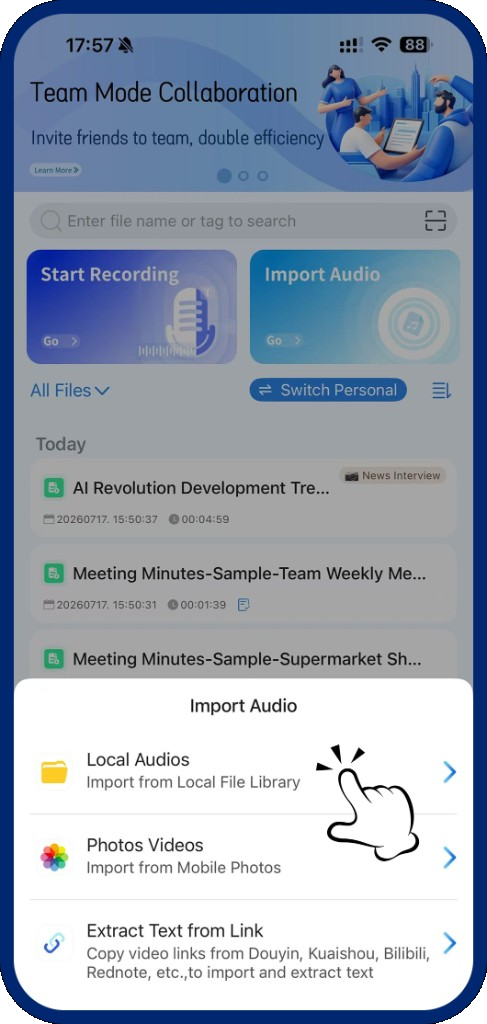
Step 3: Select Files to Import
Supports both audio and video formats (20+ audio formats compatible). Pick a local file to upload and transcribe.